
Light Bulb Camera

Light Bulb Camera
1080p Light Bulb WiFi Security Camera
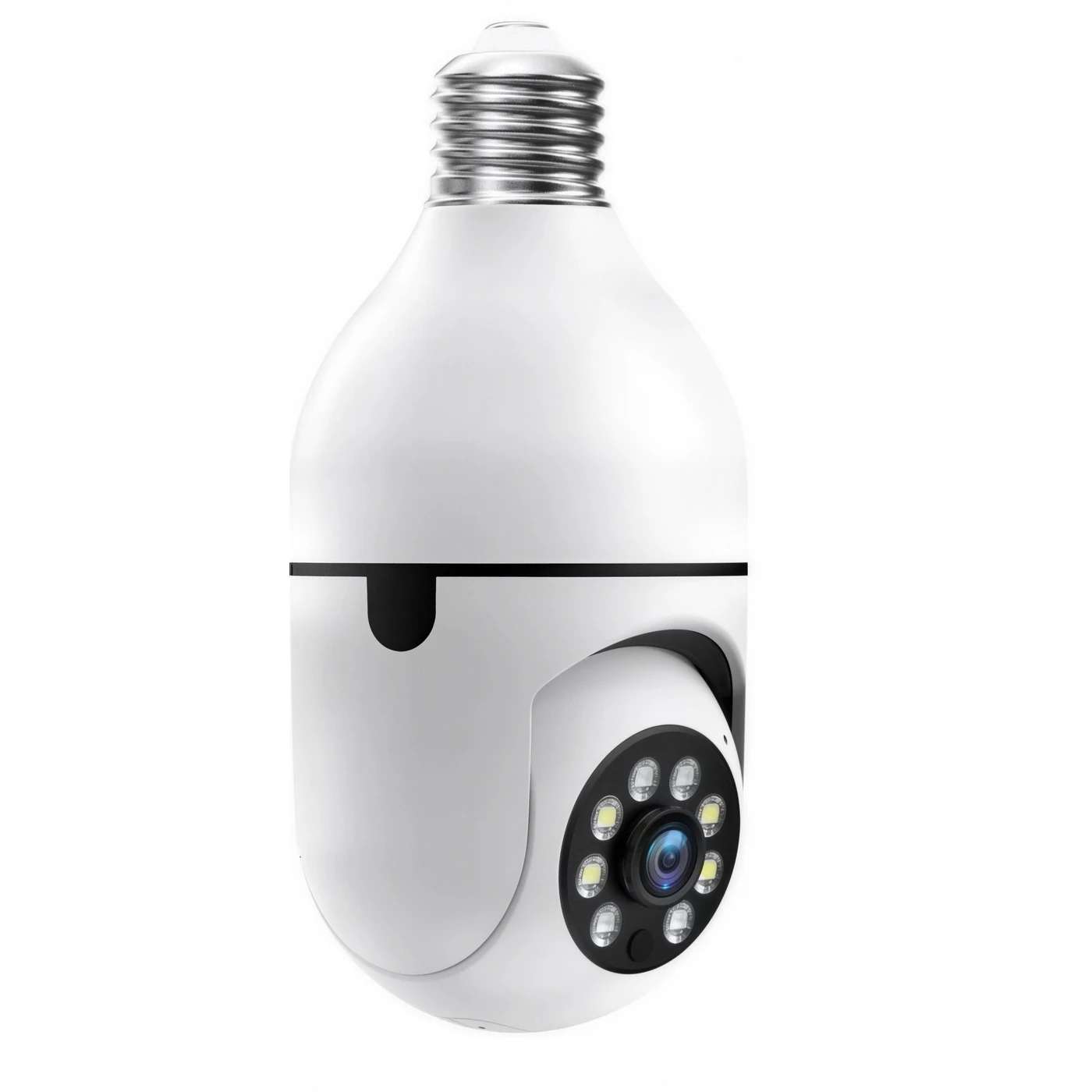
Home security that installs in an ordinary light socket. No drilling, new cables, or electrician needed. Screw the camera into a compatible E27 socket, connect it to your WiFi through the app, and check your porch, driveway, or room from your phone.
Why Choose This Bulb Camera?
- E27 screw-in installation: powered directly by a compatible light socket (110–240V).
- 1080p HD video: 1920 × 1080 resolution for a detailed live view.
- Full-colour night vision: eight white LEDs help capture colour images in low light.
- 355° pan and 90° tilt: change the viewing angle from your phone.
- Motion notifications: receive alerts when movement is detected.
- Two-way communication: built-in microphone and speaker.
- 2.4GHz and 5GHz WiFi: connects through the mobile app.
- Optional local recording: supports microSD cards up to 128GB (sold separately).
Simple Setup — No Installer Needed
Use the light fitting you already have. Turn off power to the socket, take out the old bulb, and screw in the camera. The socket supplies the electricity, so there is no separate battery to keep charged or wire to route through the wall.

The camera can be placed in a suitable covered porch, garage fixture, sheltered doorway, or indoor socket. For outdoor use, protect it from direct rain and weather exposure.
1080p Video and Colour Night Vision
See more detail with 1920 × 1080 HD resolution. The camera's white LED lights illuminate the area when needed to help maintain a colour picture after dark, rather than relying on a monochrome infrared-only view.

Stay Connected to Your Front Door
When motion is detected, the camera can send an alert to your phone. Open the live feed to see what's happening, then use the microphone and speaker to speak to someone near the camera — whether you're at home or away.

Adjust the View from Your Phone
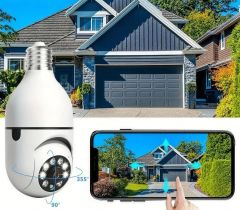
Pan the camera up to 355° horizontally and tilt it up to 90° vertically within the app. Check the door, driveway, or another part of your property without physically readjusting the fixture.
Get Started in Three Steps
- Replace the bulb. Switch off power, remove the existing bulb, and fit the camera to the E27 socket.
- Connect to WiFi. Open the app, select your 2.4GHz or 5GHz network, and follow the pairing instructions.
- Set your angle. Use the app to pan and tilt until the area you want is in view.
Technical Specifications
| Video resolution | 1080p (1920 × 1080) |
| Light fitting | E27 screw base |
| Voltage | 110–240V |
| Power consumption | Approx. 2–4W |
| Pan / Tilt | 355° / 90° |
| WiFi | 2.4GHz and 5GHz |
| Storage | microSD up to 128GB (not included); optional paid cloud storage |
| Approx. dimensions | 7 × 3 × 3 inches |
| Audio | Built-in microphone and speaker |
Frequently Asked Questions
Does it fit a normal light socket?
It uses an E27 screw base and operates on 110–240V. Check the fitting in your fixture before ordering.
Can it replace a regular light bulb?
The LEDs illuminate the camera's view at night; they are not intended to serve as the main light for a room or porch.
Can I install it outdoors?
Use it only in a covered, sheltered fixture. Do not install the camera where it will be directly exposed to rain.
Is there a required monthly subscription?
No. You can view live video and receive alerts without a subscription, and store clips locally on a compatible microSD card. Cloud recording is an optional paid service.
Can my family access the same camera?
Yes. The app supports sharing access with family members.
What is included in the package?
Each camera includes one bulb security camera, one plug adapter, and an instruction manual. A microSD card is not included.